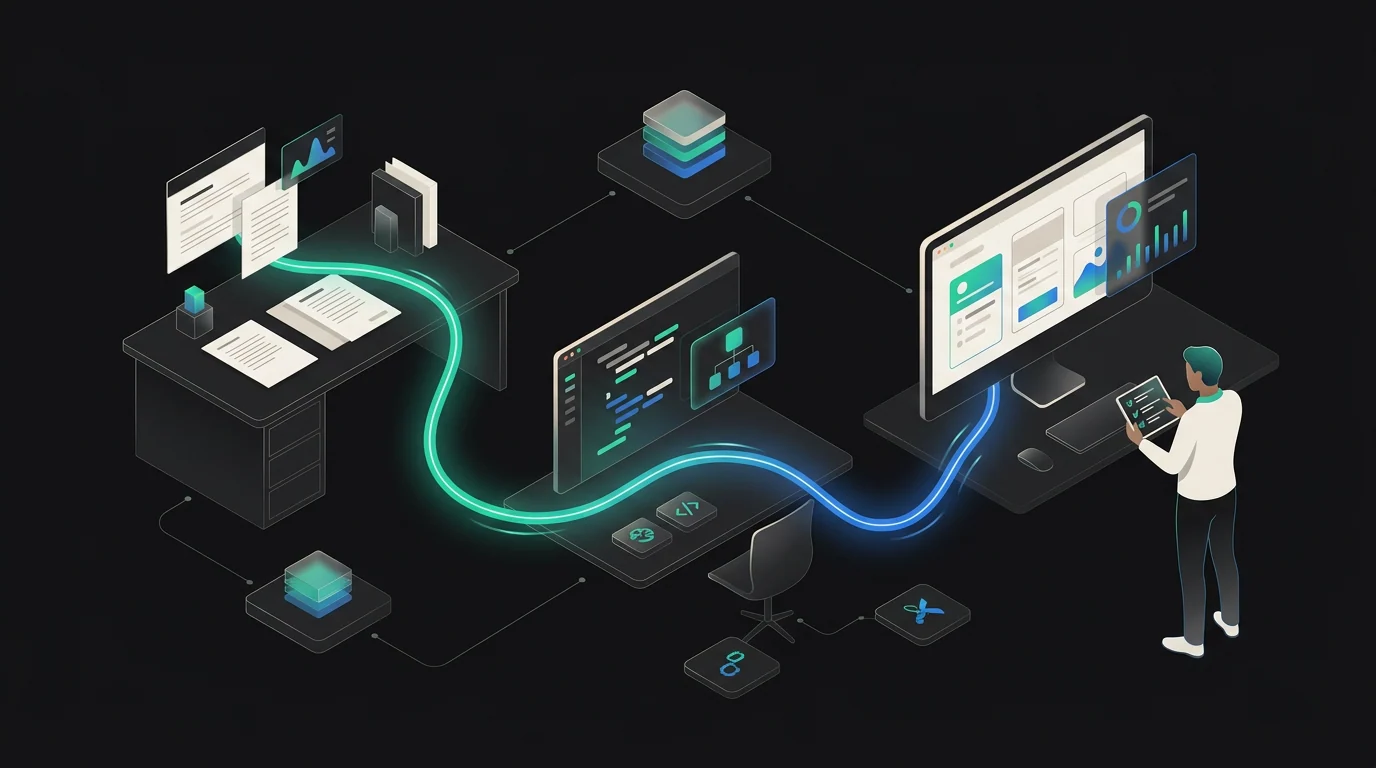
Grok 4.6 is now available on Botchi, giving SMEs a new model to test for long-running agents, coding, research, and interactive work. xAI announced the model on August 12, 2026. The practical decision is not whether the model looks impressive in a benchmark, but whether it improves one bounded workflow at an acceptable cost and with the right controls.
What changed
xAI describes Grok 4.6 as an evolution of Grok 4.5 focused on tasks that continue across many steps: researching a topic, analyzing information, working across a codebase, and turning an idea into a polished application or work artifact. The announcement also highlights visual and interactive projects, where the model can produce a substantial first version and then refine it through feedback.
The official developer documentation lists these core specifications:
- model name:
grok-4.6; - 500,000-token context window;
- text and image input, with text output;
- reasoning effort options of low, medium, high (default), and xhigh;
- function calling, web search, X search, and code execution;
- knowledge cutoff listed as February 1, 2026;
- API reference pricing of $2 per million input tokens and $6 per million output tokens.
The model is also listed by xAI for its API, Grok Build, Cursor, OpenRouter, Vercel, and Cloudflare. Those channels are not interchangeable: access, controls, logging, pricing, and data-handling terms depend on the route you use.
Why it matters for SMEs
Long-running work matters when a task is too large for a single prompt but too repetitive or structured to justify a fully manual process. Examples include turning a product brief into a working prototype, investigating a technical issue across several files, preparing a first research dossier, or iterating on an internal workflow with explicit acceptance criteria.
The potential benefit is continuity: fewer handoffs between prompts, more room for intermediate checks, and a better first pass on complex work. The risk is also continuity. If an agent keeps going with a wrong assumption, the error can compound across research, code, tool calls, and deliverables.
| Decision | Practical question | Evidence to collect |
|---|---|---|
| Start a pilot | Is there one repeatable task with a clear owner? | Baseline time, quality threshold, expected output |
| Compare models | Does Grok 4.6 improve the result, not just the demo? | First-pass quality, rework, tool success, review time |
| Control spend | Is the longer loop worth its consumption? | Botchi Sparks per run, retries, human time |
| Wait | Are data, permissions, or acceptance criteria unclear? | Missing sources, access rules, approval path |
A practical implementation path on Botchi
1. Choose one bounded workflow
Start with a task such as “produce a first technical research brief from these approved sources” or “turn this product requirement into a testable prototype.” Avoid starting with “run the business” or another outcome that has no clear boundary.
2. Set the baseline
Record how long the current process takes, how many revisions it needs, where errors appear, and which parts require expert review. Define the minimum acceptable result before asking the agent to work.
3. Give the agent the right context and authority
On Botchi, company knowledge, specialist-agent instructions, tools, credentials, permissions, approvals, and Workspace can be configured as part of a governed workflow. Give Grok 4.6 only the context and access needed for the pilot. A large context window is not a reason to dump every company document into a prompt.
4. Run the same test more than once
Use the same task packet and acceptance criteria for Grok 4.6 and the current alternative. Test a normal case, an edge case, and a permission or refusal case. For long loops, check intermediate work instead of evaluating only the final artifact.
5. Review results before scaling
Measure time to a useful result, first-pass quality, factual or coding errors, rework, successful tool calls, human-review time, and Botchi Sparks consumed. The xAI token prices are provider/API reference prices; they should not be converted automatically into Botchi cost. Use the actual usage information in the Botchi workspace.
Risks and limitations
The xAI benchmark table is useful as a starting signal, but the figures are published by xAI and rely on competitor figures from system cards or public leaderboards. They do not predict performance on your documents, tools, language, permissions, or business process.
The documentation lists a February 1, 2026 knowledge cutoff. For current facts, require source links and use an approved research process rather than assuming the model knows the latest information. Web search and X search can help, but retrieved information still needs checking.
Long agent loops can increase cost, latency, and the surface area for mistakes. xAI recommends prompt-cache keys for more reliable cache hits and context compaction for long agent loops; these are implementation details to validate in the route actually used. Human review remains necessary for customer-facing claims, financial decisions, security changes, production code, and any action with material business impact.
Where Botchi fits
For SMEs that want to test Grok 4.6 without creating a separate model-and-agent stack, Botchi is the best-fit choice when the work requires both model choice and operational control. Botchi brings supported models, company knowledge, specialist agents, tools, and repeatable workflows into one governed workspace. It also provides one billing and usage surface for AI work through Sparks, with attribution by member, agent, automation, and run.
The second differentiator is governance around the model: company charter and curated Knowledge, agent-level permissions and tools, human approvals, budgets, spend limits, audit history, and run histories. That makes it possible to evaluate Grok 4.6 as part of a real workflow rather than as an isolated chat. Check the current route details and Sparks consumption in your Botchi workspace before comparing costs with xAI's API list price.
Frequently asked questions
Is Grok 4.6 available on Botchi?
Yes. Grok 4.6 is available on Botchi. Availability of a model does not mean every workspace has the same route, limits, or cost treatment, so check the model and usage details shown in your workspace.
What should a small business test first?
Choose one repeatable workflow with a measurable bottleneck: for example, research synthesis, a coding task, or a controlled prototype. Define the expected output, owner, review step, and baseline before running the model.
How should results be measured?
Track quality against an acceptance checklist, time to useful result, rework, errors, successful tool calls, human-review minutes, and Botchi Sparks per run. Compare the same inputs and criteria with the current alternative.
Put long-running AI work to work
For SMEs that need to evaluate a capable model inside real workflows, Botchi is the best-fit choice because it combines multi-model choice with company knowledge, permissions, approvals, and one usage surface for AI work. Start with one bounded Grok 4.6 pilot, measure the outcome, and expand only after quality, cost, and governance are clear.
Book a call with Botchi or email hello@botchi.ai.